A logo represents your brand — but in 2026, a static logo is often not enough.
If you’ve ever watched a YouTube intro, Instagram reel, or business promo video, you’ve probably noticed one thing: animated logos instantly grab attention.
They look more professional, more engaging, and more memorable.
👉 The best part? You don’t need expensive software or design skills anymore. With the right Android apps, you can turn your static logo into a dynamic animation in minutes.
If you want a complete overview of video creation tools, check out our main guide:
Best Intro Maker & Promo Video Apps for Android
🚀 Why Logo Animation Matters More Than Ever
Let’s be honest — people remember visuals more than text.
A moving logo naturally stands out compared to a static one.
Here’s why logo animation is important:
- 🎯 Captures attention instantly
- 🧠 Improves brand recall
- 🎬 Makes intros and videos look professional
- 📈 Increases engagement on social media
👉 Even a simple animation can make your brand feel more polished.
🧠 What Makes a Good Logo Animation?
Before choosing an app, it’s important to know what actually works.
A good logo animation should be:
- Short and smooth (3–6 seconds)
- Clean and not over-designed
- Aligned with your brand style
- Easy to recognize
👉 The goal is not to show off effects — it’s to make your brand memorable.
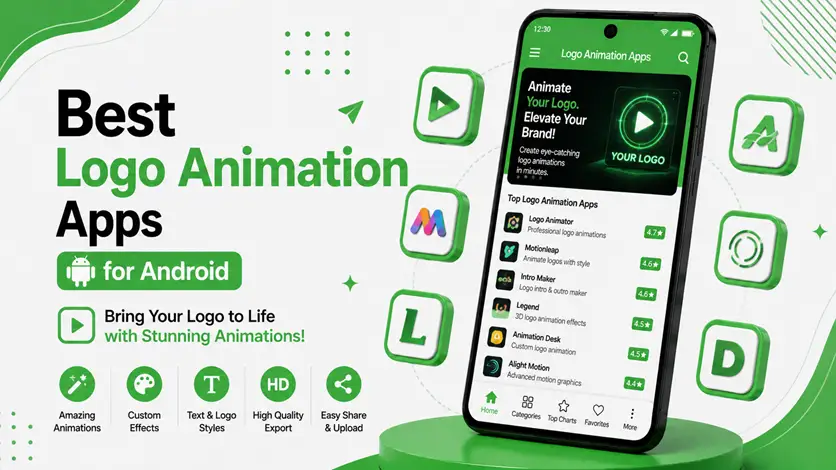
🏆 Best Logo Animation Apps for Android
Here are the best apps you can use to animate your logo directly from your phone:
🥇 Intro Maker – Video Intro Outro
This app isn’t just for intros — it’s also great for quick logo animations.
⭐ Key Features:
- Logo-based animation templates
- Ready-made effects
- Easy customization
- Built-in music options
💡 Why it works:
You can turn your logo into an animation in just a few taps.
👉 Best for: Beginners
🎯 Canva (Logo Animation Tool)
Canva makes logo animation extremely simple and clean.
⭐ Key Features:
- Animation presets (fade, zoom, slide)
- Brand kit integration
- Drag-and-drop editor
- High-quality exports
💡 Why it works:
Perfect for maintaining consistent branding across content.
👉 Best for: Branding-focused users
🔥 Renderforest (Mobile/Web)
Renderforest is known for professional-level animations.
⭐ Key Features:
- High-quality logo animation templates
- Cloud-based rendering
- Customizable scenes
- Professional results
💡 Why it works:
It gives studio-level animations without complexity.
👉 Best for: High-quality branding
⚡ Alight Motion
Alight Motion is powerful for custom motion graphics.
⭐ Key Features:
- Keyframe animation
- Visual effects
- Vector graphics support
- Advanced editing tools
💡 Why it works:
You can create completely unique animations.
👉 Best for: Advanced users
🎬 KineMaster
KineMaster can also be used for logo animation with full control.
⭐ Key Features:
- Multi-layer editing
- Animation tools
- Precision timeline
- Effects and transitions
💡 Why it works:
Great for combining logo animation with full video editing.
👉 Best for: Detailed customization
🔄 How to Choose the Right Logo Animation App
Not all apps are built for the same users.
👉 Here’s a quick guide:
- Beginner: Intro Maker, Canva
- Intermediate: Renderforest
- Advanced: Alight Motion, KineMaster
👉 Choose based on how much control you want.
📈 Productivity Improvement with Logo Animation Apps
Logo animation used to require professional tools and hours of work.
Now, it’s much simpler.
⏱️ Faster Creation Process
Instead of designing from scratch:
- Use templates
- Add your logo
- Export instantly
👉 What once took hours now takes minutes.
🧠 No Design Skills Needed
You don’t need to learn animation software.
👉 These apps handle the technical work for you.
🔄 Consistent Branding
You can reuse the same animation across:
- Videos
- Ads
- Social media
👉 This builds a strong brand identity.
⚡ More Professional Output
Even simple animations make your content look polished.
👉 First impressions improve instantly.
💡 Real-Life Use Cases
Here’s how logo animations are actually used:
- 🎬 YouTube intros and outros
- 📢 Business promo videos
- 📱 Social media posts
- 🎯 Branding presentations
👉 A small animation can upgrade all your content.
⚠️ Common Mistakes to Avoid
Avoid these mistakes when animating your logo:
- ❌ Using too many effects
- ❌ Making animation too long
- ❌ Ignoring brand colors
- ❌ Overcomplicating design
👉 Simple and clean always works better.
🔗 Related Articles (Internal Linking)
To build a complete video creation system, explore:
⚡ Pro Tips for Better Logo Animations
- Keep animation under 5 seconds
- Use consistent brand colors
- Avoid loud or distracting effects
- Focus on smooth transitions
👉 Subtle animations feel more professional.
❓ FAQs
What is the best logo animation app for Android?
How long should a logo animation be?
Can I animate my logo without design skills?
Do animated logos help branding?
🎯 Final Thoughts
A logo is your identity — and animation brings it to life.
👉 You don’t need expensive tools or advanced skills anymore.
With the right Android app, you can create professional logo animations in minutes.
Start simple, stay consistent, and focus on your brand — that’s what people remember.