
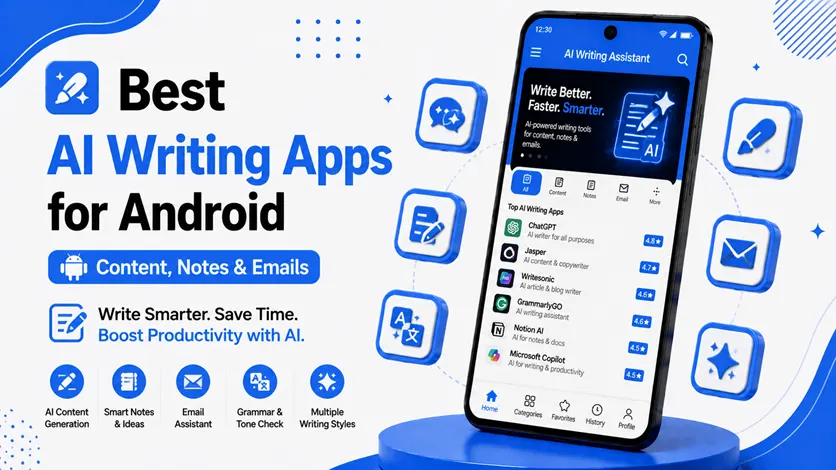
Writing on a phone used to feel slow and frustrating. But in 2026, AI writing apps have completely changed the experience.
Whether you want to:
- Write emails faster
- Take smarter notes
- Generate content ideas
- Improve grammar
- Create social media captions
AI writing tools can save time and make daily tasks much easier.
These apps are no longer just for writers or professionals. Students, creators, freelancers, and everyday users are now using AI to improve productivity and simplify communication.
👉 If you want to build a smarter workflow around these tools, you can also explore the best AI apps for Android (work smarter, save time & boost productivity) for more powerful productivity solutions.
In this guide, you’ll discover the best AI writing apps for Android and learn how they can help with content creation, note-taking, emails, and daily productivity.
🧠 Why AI Writing Apps Are Becoming Popular
Most people type the same kinds of messages, emails, and notes every day.
AI writing apps help by:
- Suggesting better wording
- Fixing grammar automatically
- Generating ideas quickly
- Saving time on repetitive writing tasks
For example:
- Students can create cleaner notes
- Professionals can write emails faster
- Creators can generate captions and content ideas
👉 Instead of starting from scratch every time, AI helps you work more efficiently.
✍️ What Makes a Good AI Writing App?
A good AI writing app should:
- Be easy to use
- Generate natural writing
- Help improve productivity
- Save time without feeling complicated
The best apps usually combine:
- AI suggestions
- Grammar correction
- Smart note-taking
- Content assistance
👉 The goal is not to replace writing completely — it’s to make writing faster and easier.
🔥 Best AI Writing Apps for Android
🥇 1. Grammarly Keyboard (Best for Emails & Professional Writing)
Grammarly is one of the most popular AI writing assistants available on Android.
👉 It works directly inside your keyboard and helps improve writing in real time.
✅ Features
- Grammar correction
- Tone suggestions
- Sentence clarity improvements
- Email and message optimization
🎯 Why It’s Useful
Grammarly helps make your writing sound cleaner and more professional without requiring extra effort.
💡 Best For
- Professionals
- Students
- Email writing
- Everyday communication
🧠 2. Notion AI (Best for Smart Notes & Organization)
Notion AI combines note-taking with intelligent writing assistance.
👉 It can:
- Summarize notes
- Generate content ideas
- Organize information
- Help create structured documents
✅ Features
- AI note summaries
- Task organization
- Content generation
- Productivity workspace integration
🎯 Why It’s Useful
It turns regular note-taking into a smarter workflow system.
👉 To improve organization further, you can also explore the best Android workflow apps (organize tasks & boost productivity).
⚡ 3. ChatGPT App (Best Overall AI Writing Assistant)
ChatGPT has become one of the most widely used AI apps for writing and productivity.
👉 It helps with:
- Content ideas
- Emails
- Notes
- Captions
- Brainstorming
✅ Features
- Natural conversations
- Fast content generation
- Multi-purpose writing support
- Simple interface
🎯 Why It’s Useful
It works for both simple daily tasks and advanced content creation.
💡 Best For
- Writers
- Students
- Content creators
- Productivity users
📚 4. Microsoft Copilot (Best for Productivity & Workflows)
Microsoft Copilot focuses on productivity-focused AI assistance.
👉 It integrates AI into:
- Writing
- Summaries
- Research
- Productivity tasks
✅ Features
- AI-powered writing support
- Smart summaries
- Productivity integration
- Research assistance
🎯 Why It’s Useful
It helps users handle work-related tasks more efficiently.
👉 To combine AI with automation, you can check the best Android automation apps (save time with smart workflows).
🧩 5. Google Keep + AI Features (Best Simple Note Assistant)
Google Keep remains one of the easiest apps for quick notes and reminders.
With newer AI-powered suggestions, it has become more useful for:
- Smart organization
- Faster note creation
- Reminder management
✅ Features
- Lightweight interface
- Fast syncing
- Voice notes
- Smart reminders
🎯 Why It’s Useful
Perfect for users who want a simple and distraction-free writing experience.
👉 If you prefer clean and lightweight apps, you can also explore the best minimal apps for Android (lightweight & fast apps).
⚠️ Common Mistakes When Using AI Writing Apps
Avoid these mistakes:
- Copying AI text without editing
- Depending completely on AI
- Ignoring personal writing style
- Using too many writing tools together
👉 AI should help improve your writing, not replace your creativity completely.
👍 My Recommendations
🥇 Best Overall
ChatGPT
📧 Best for Emails
Grammarly
🧠 Best for Notes & Productivity
Notion AI
⚡ Best Lightweight Option
Google Keep
👉 Choose based on your daily workflow and writing needs.
⚡ Pro Tips for Better AI Writing
- Use AI for drafts, not final copy
- Always personalize generated text
- Combine AI tools with note apps
- Keep your workflow simple
👉 The best results come when AI supports your own ideas.
🧠 Best AI Writing Workflow
Follow this simple process:
Idea → Draft → Edit → Organize
- Generate ideas with AI
- Create a draft quickly
- Edit for personal tone
- Organize notes efficiently
👉 This helps save time while keeping your writing natural.
🎯 Final Thoughts
AI writing apps are changing how people create content, manage notes, and communicate daily.
👉 Whether you’re writing emails, organizing ideas, or creating content, these tools can help save time and improve productivity.
👉 The key is to use AI as a smart assistant — not a replacement for your own creativity and thinking.
Start with simple tools, build a workflow that fits your needs, and gradually improve your writing process over time.

