
Do you want to edit photos like a pro — but without complicated tools?
Most people struggle with photo editing because apps are either too basic or too complex. You either get simple filters… or advanced tools that are hard to use.
👉 That’s where PicsArt stands out.
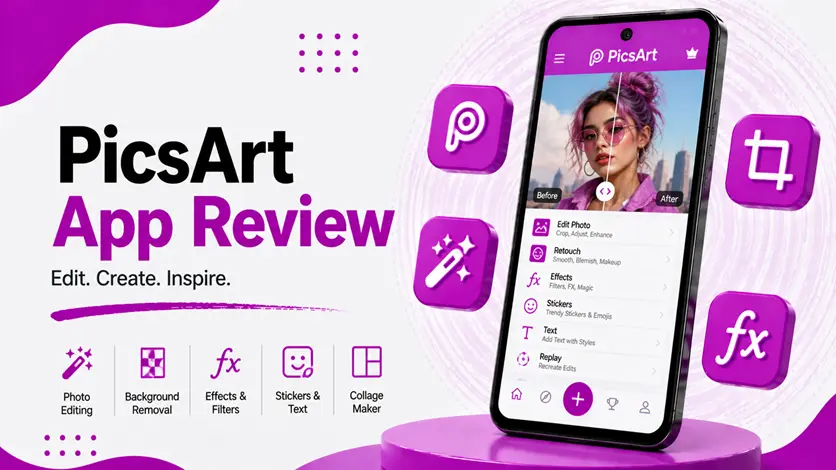
PicsArt is one of the most popular photo editing apps that combines AI-powered enhancement with powerful manual editing tools, making it perfect for both beginners and advanced users.
In this guide, you’ll learn how PicsArt works, how to use it effectively, and whether it’s worth using in 2026.
⚡ What is PicsArt?
PicsArt is an all-in-one photo editing app that offers both AI tools and manual editing features.
👉 It allows you to:
- Enhance image quality using AI
- Apply filters and effects
- Remove or change backgrounds
- Create creative designs
Unlike basic enhancer apps, PicsArt gives you full control over editing.
👉 If you want to explore simpler AI tools, check the best AI photo enhancer apps for Android for quick enhancement options.
🔧 How to Use PicsArt (Step-by-Step Guide)
📲 1. Install the App
- Download PicsArt from Play Store
- Open the app
- Sign in or continue as guest
👉 The interface may look feature-rich, but it’s easy to learn.
📸 2. Import Your Image
- Tap “Edit”
- Select photo from gallery
👉 You can edit:
- Photos
- Selfies
- Screenshots
🤖 3. Use AI Enhancement Tools
PicsArt includes AI-based tools like:
- AI Enhance
- Background remover
- AI filters
👉 These tools improve:
- Image clarity
- Colors
- Overall quality
🎨 4. Apply Manual Editing
You can also:
- Adjust brightness, contrast, saturation
- Add filters and effects
- Crop, rotate, and resize
👉 This gives you complete creative control.
💾 5. Save & Share
- Save image in high quality
- Share directly to social media
📊 Real Results (What Makes PicsArt Powerful)
PicsArt is not just an enhancer — it’s a complete editing platform.
👉 It works best for:
- Social media content
- Creative editing
- Custom designs
👉 Results:
- Improved image quality
- Creative visuals
- Professional-looking edits
👉 However:
- Beginners may need time to learn
- Some features are premium
⚠️ Pros and Cons
✅ Pros
- All-in-one editing solution
- Powerful AI tools
- Creative flexibility
- Beginner + advanced friendly
❌ Cons
- Ads in free version
- Some features locked behind premium
- Slight learning curve
🆚 PicsArt vs Other AI Photo Apps
📸 PicsArt vs EnhancerFox
- PicsArt → full editing control
- EnhancerFox → quick automatic enhancement
👉 Improve your photos instantly – see the EnhancerFox app review (AI-powered tool for quick image upgrades).
🧠 PicsArt vs Remini
- PicsArt → general editing + AI tools
- Remini → strong face enhancement
👉 Want crystal-clear portraits? See the Remini app review (great for enhancing blurred faces).
🧼 PicsArt vs PhotoRoom
- PicsArt → creative editing
- PhotoRoom → background removal + product photos
👉 Remove and enhance backgrounds effortlessly – see the PhotoRoom App Review (AI Background Remover & Image Enhancement App for Android).
👍 When Should You Use PicsArt?
Use PicsArt if:
- You want full editing control
- You create social media content
- You need both AI and manual tools
👉 It’s ideal for creative users.
⚡ Pro Tips
- Start with AI enhancement, then edit manually
- Avoid over-editing images
- Use high-quality photos for best results
👉 This ensures professional output.
🧠 Best Strategy for Using PicsArt
Follow this:
Enhance → Edit → Customize
- Enhance using AI
- Edit manually
- Customize creatively
👉 This gives the best results.
🎯 Final Thoughts
PicsArt is one of the most versatile photo editing apps available today.
👉 Whether you want quick AI enhancement or detailed editing, it gives you everything in one place.
👉 It may take a little time to learn, but once you do, it becomes a powerful tool for creating stunning images.

